How do I delete a website campaign?
Saturday, December 12th, 2015
Click on the “Websites” tab on the left sidebar of the dashboard.

Hover over the website campaign you would like delete and click the gear icon. A drop down menu will appear with the option to delete the website campaign.

A prompt will pop up to confirm whether you want to delete the campaign or not.
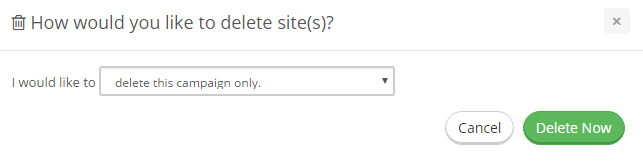
You can choose from a drop down box whether you wish to delete this particular campaign only or all campaigns that use the same URL.
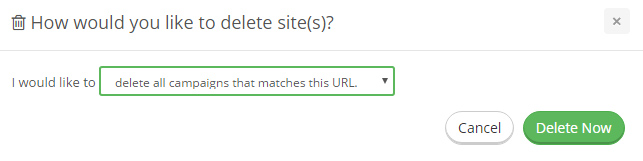

Click delete when you are ready. Deleting website campaigns that you no longer use is a great way to make space for new campaigns.
Optimize your ad spend: find out why savvy marketers buy cost-effective website traffic for quick wins.

Filed under: Documentation→Getting Started
Tags: 10khits, campaign, campaigns, delete, delete campaign, delete URL, delete website, getting started, URL, URLs, website, websites
Exclusive Offer!
1,500,000 Points for $110 $68. If you're running low on points — don't miss out
limited time